


Scene-specific separation
Choose general audio or music for two tracks, or drama or narration for three tracks.
Upload audio or video and download separate sound tracks for editing, review or reuse.
Up to 60 minutes; media files up to 2 GB
MP4 / FLV / TS / AVI / MOV / WMV / MKV / MP3 / M4A / WAV
Account-protected files, processed in the cloud. Originals: 24 hours · Results: 7 days
Choose a scene that matches your recording, then get separate audio tracks you can review or edit.
Choose general audio or music for two tracks, or drama or narration for three tracks.
Listen to every delivered track before using it. Separation quality depends on the original mix.
Once submitted, the task continues while you use other pages.
Save each separated track in your selected format for playback or editing.
Credits are based on the checked input duration, with the full amount shown before processing.
Originals remain available for 24 hours and results for 7 days through your account.
Upload a recording, choose a scene and format, then download each track.
Upload supported audio or video up to 2 GB and 60 minutes.
Choose the sound categories to separate and select MP3 or WAV.
Listen to the results and download each track on its own.
Prepare voice, music and sound effects for your editing workflow.
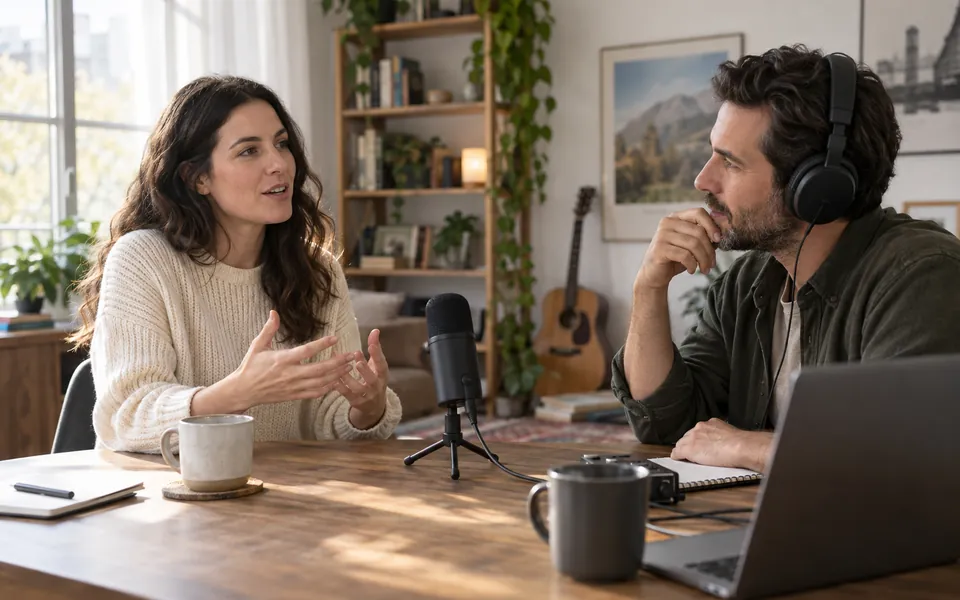
Prepare recorded conversations for editing by listening to voice and background audio on separate tracks.
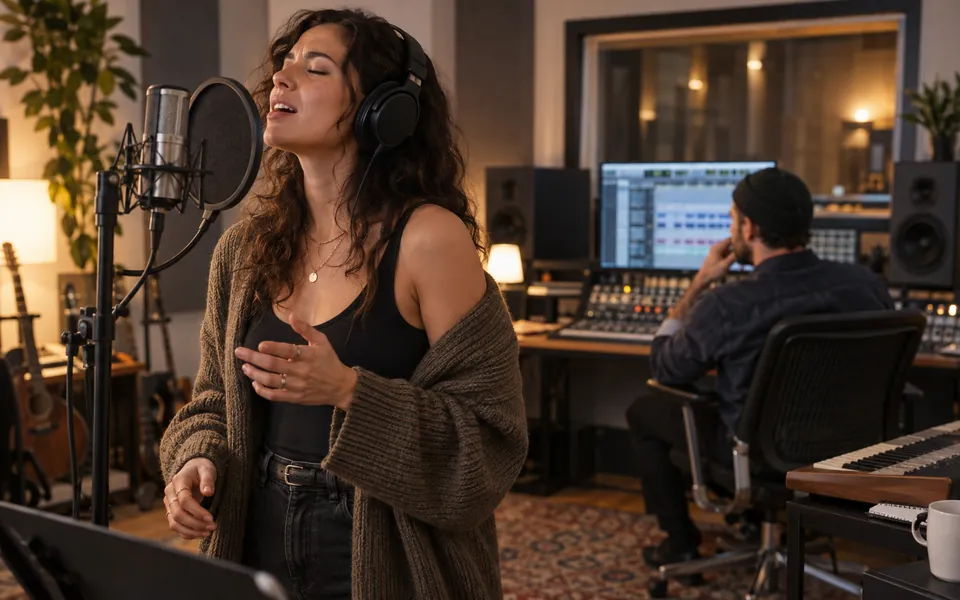
Review a song’s vocal and background tracks for practice, arrangement or remix projects.
Separate dialogue, score and effects into individual audio tracks for video editing.

2.8 credits per input minute. Minimum 3 credits per task. Two or three tracks, all scenes and MP3 or WAV use the same rate.
Choose audio or videoFiles are checked after upload. Keep your original.
Audio: MP3, M4A and WAV. Video: MP4, FLV, TS, AVI, MOV, WMV and MKV. Files must contain a usable audio stream.
Maximum 2 GB and 60 minutes per file.
Two tracks for general audio or music; three tracks for drama or narration. Every track can be previewed and downloaded separately.
MP3 or WAV, selected before processing. WAV files are substantially larger.
Overlapping sounds may leak between tracks or contain artifacts. Listen to each result before use.
The result contains audio files, even when the input is video. No new video file is created.
Check supported files, track types, quality and pricing.