


Generate beyond the frame
AI fills the added canvas with a continuation of the scene. Review generated details before using the result.
Expand your image in any direction with AI, preview the extended canvas, and download a PNG.
Images up to 10 MB; output max 3,840 px on the longest edge and 8,294,400 pixels total
File formats: JPG / PNG / WebP
Each selected edge expands by this share of the source's shorter edge. All sides applies the ratio to every edge.
Account-protected files, processed in the cloud. Originals: 24 hours · Results: 7 days
Extend selected edges to make more room around a subject or adapt a composition for a new layout.
AI fills the added canvas with a continuation of the scene. Review generated details before using the result.
Select one edge or all four, then choose a 10% to 40% expansion ratio based on the source short edge.
After upload, the task runs in your account and its status and result are available from My files.
Upload JPG, PNG or WebP and receive one PNG with the selected canvas extension.
Credits depend on the estimated total output pixels, starting at 15 per image. Larger canvases use more credits.
Original images are kept for 24 hours and results for 7 days. View or delete them from My files.
Choose an image, extend the selected edges and download a PNG.
Upload a JPG, PNG or WebP image up to 10 MB.
Choose the edges to expand, then select a ratio based on the source short edge.
Check the extended scene and download the PNG if it works for your use.
Add canvas for portraits, travel photos and new layouts.
Extend the frame around a portrait when a layout needs more space near the edges.

Add canvas beside a travel photo when a wider layout needs more surrounding scenery.
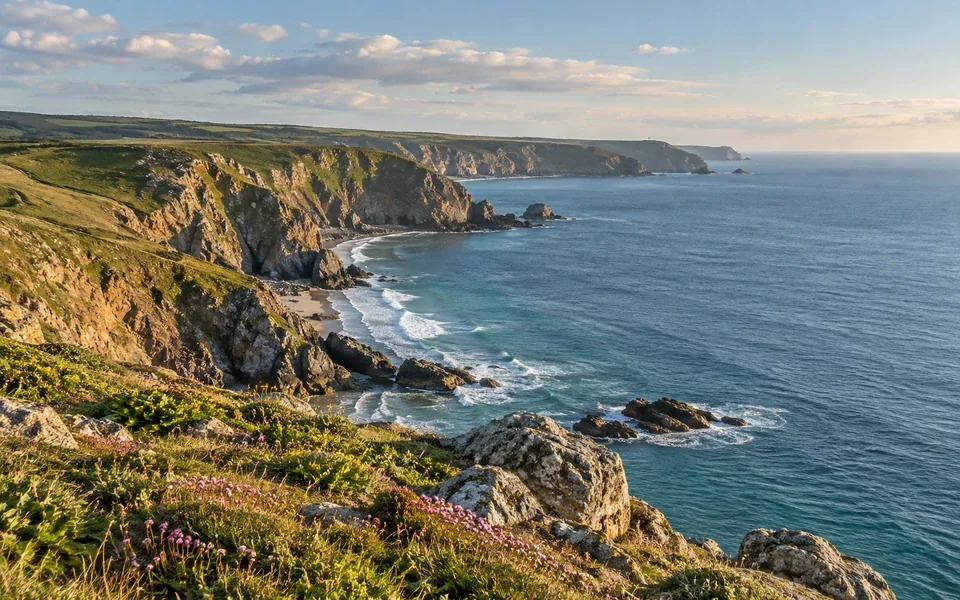
Extend the background around an object to create breathing room for a different crop or placement.
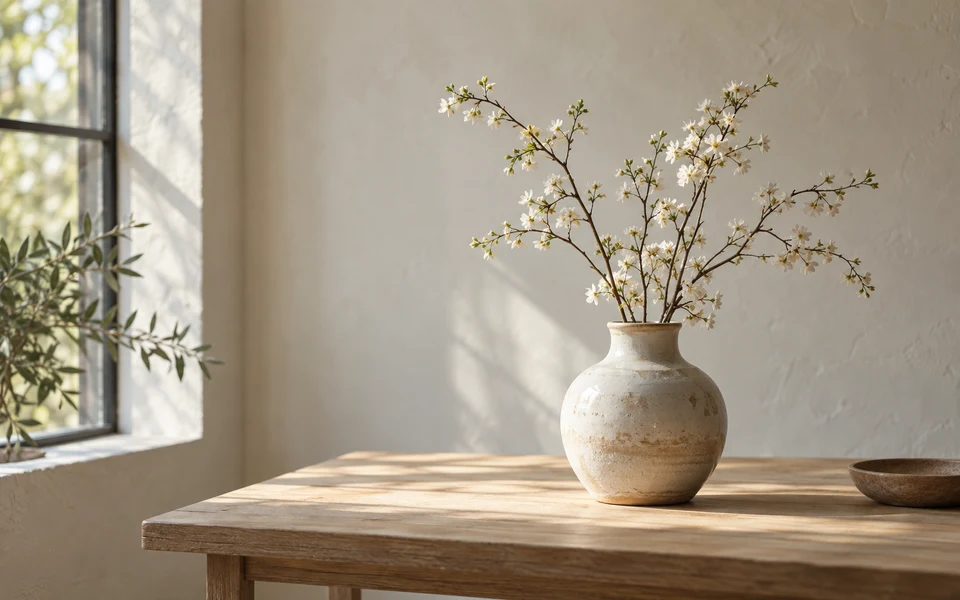
Drag to compare the original portrait with an AI-generated expansion example. Results vary with each image.

From 15 credits per image, based on estimated total output pixels including the original image. A larger canvas costs more; the exact whole-credit quote is shown before starting.
Choose an imageFiles are checked after upload. Keep your original.
Upload a static JPG, PNG or WebP image up to 10 MB. The original is decoded before processing.
The result is a PNG with the selected canvas expansion. New areas are AI-generated, so inspect the boundaries for changes to nearby details.
Generated areas can differ from the real scene and may alter visual details near the boundary. Check the full result before publishing or printing it.
The expanded canvas must stay within a 3,840 px longest edge and 8,294,400 total pixels. Large source images may have fewer available expansion options.
Learn how edge selection, output limits and generated content work.