


Fill in motion between frames
Create intermediate frames between neighboring images to reduce judder and skipped-motion feel.
Make motion smoother with 30, 60 or 120 fps output while keeping the original video dimensions.
Targets: 30 / 60 / 120 fps · Shorter side ≤2160 px
File formats: MP4 / FLV / TS / AVI / MOV / WMV / MKV / WebM / M4V / MPEG / MPG / 3GP
For more natural interpolation, keep the target frame rate within 4× the source frame rate.
Account-protected files, processed in the cloud. Originals: 24 hours · Results: 7 days
Generate transition frames between video frames to improve low-frame-rate footage and fast movement.
Create intermediate frames between neighboring images to reduce judder and skipped-motion feel.
Choose 30, 60 or 120 fps on this page. The target must exceed the source frame rate.
Your task continues in the cloud after submission. Return to My files to check its progress.
Upload MP4, FLV, TS, AVI, MOV, WMV or MKV. WebM, M4V, MPEG, MPG and 3GP can also be selected, subject to server validation.
The quote reflects video duration, frame size and the selected target frame rate.
Your video and result are accessible only through your account permissions.
Upload a video, choose a target frame rate, and download the result
Choose a video to smooth.
Pick 30, 60 or 120 fps above the source frame rate.
Check motion, scene cuts and audio synchronization, then save the MP4.
From low-frame-rate clips and fast movement to AI-generated video, choose a target that fits the way you want to watch it.
Raise the frame rate of low-frame-rate footage to reduce judder in people walking, camera pans and everyday recordings.

Test action clips and camera pans at a higher frame rate. Check scene cuts and complex movement for ghosting or distorted intermediate frames.
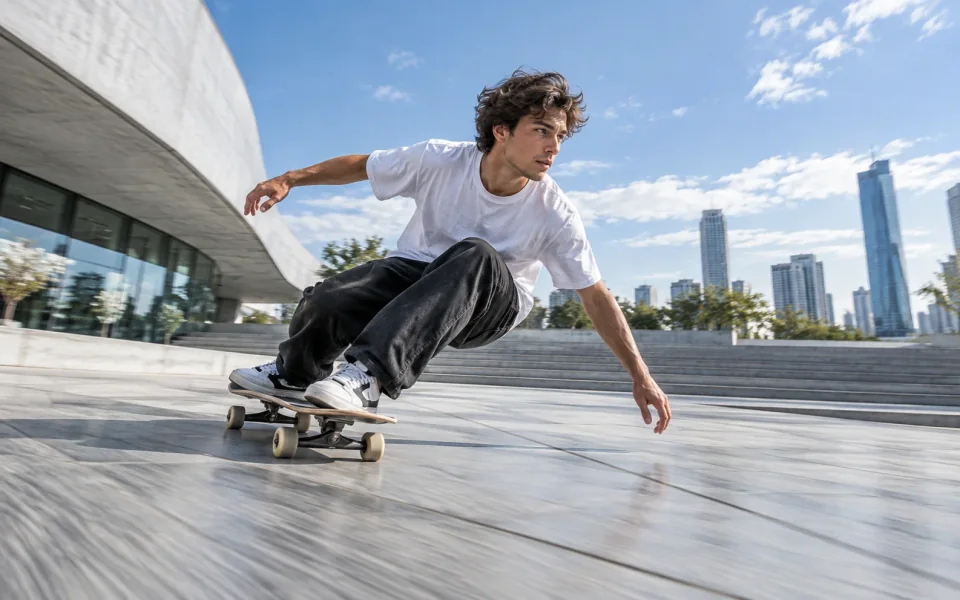
Raise the frame rate of a low-frame-rate generated clip to improve the continuity of motion and camera movement.
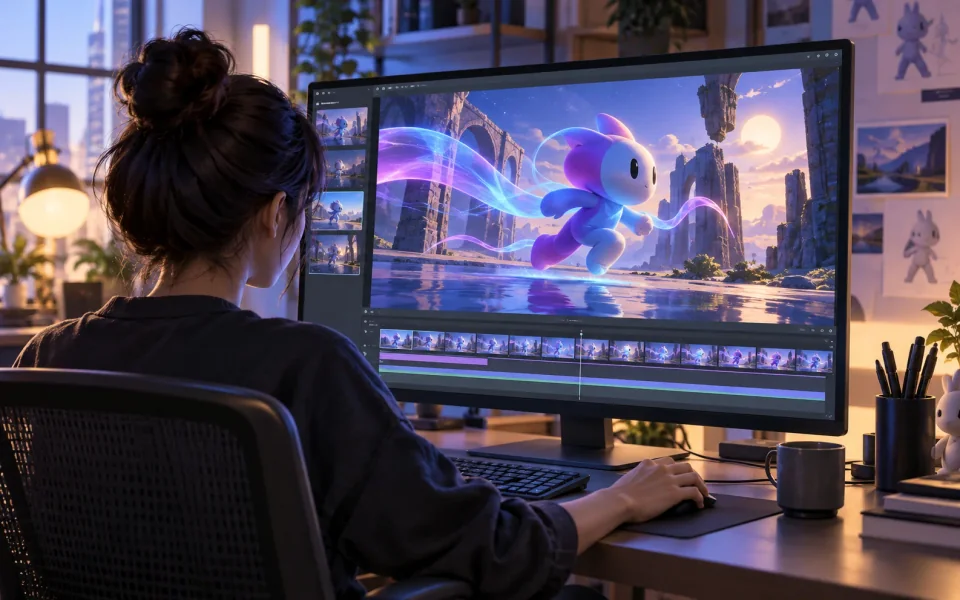
Play the same cycling clip at 15 fps and 60 fps to compare motion smoothness.
The same five-second ride at 15 fps and 60 fps.
22 credits/min × resolution multiplier × frame-rate multiplier. Minimum 5 credits per task.
Interpolate your videoFiles are checked after upload. Keep your original.
The picker accepts MP4, FLV, TS, AVI, MOV, WMV, MKV, WebM, M4V, MPEG, MPG and 3GP. The shorter side must be at most 2160 pixels. Actual tracks and metadata must pass server checks; an accepted extension does not guarantee processing.
The result is an H.264 MP4 at the selected frame rate, with the input dimensions and playback duration, up to 2 GB per result. Source audio is retained when present and may be re-encoded to AAC; silent sources remain silent. Use the video upscaler to increase dimensions.
Choose a target higher than the source: 30 fps for a modest increase from lower frame rates, or 60 fps for smoother everyday motion. Choose 120 fps when your playback setup supports it. For more natural results, keep the target within 4× the source; this is a recommendation, not a hard limit.
Answers about input formats, frame rates and processing