


Subject-aware framing
Automatic framing attempts to follow the main subject. Review changes of speaker, groups and fast movement for unwanted cropping.
Turn landscape footage into a 9:16 vertical video with automatic subject tracking and cropping.
Up to 20 GB per file · Up to 4 hours
File formats: MP4 / MOV / MKV / AVI / FLV
Automatically crop 16:9, 4:3 or 21:9 landscape video to 9:16. The tool follows detected subjects; parts of the original scene are cropped out.
Account-protected files, processed in the cloud. Originals: 24 hours · Results: 7 days
Create a 9:16 version for short-form feeds while keeping the important subjects in frame.
Automatic framing attempts to follow the main subject. Review changes of speaker, groups and fast movement for unwanted cropping.
Receive a vertical result that is ready to review and share.
The crop is processed in the cloud after you submit the video.
Download the 9:16 version and keep the landscape original for other edits.
Review a fixed quote based on the video duration at 12 credits per minute, rounded up, with a 3-credit minimum.
Your uploaded source and result stay behind your account access.
Choose a landscape clip and create a vertical version for mobile viewing.
Use a 16:9, 4:3 or 21:9 video up to 20 GB and 4 hours.
The output is fixed at 9:16. Review the quote and start the task.
Check speaker changes and content near the edges, then save the vertical copy.
Keep your story visible when the viewing format changes
Automatic tracking helps keep a speaker or main subject in the vertical crop.
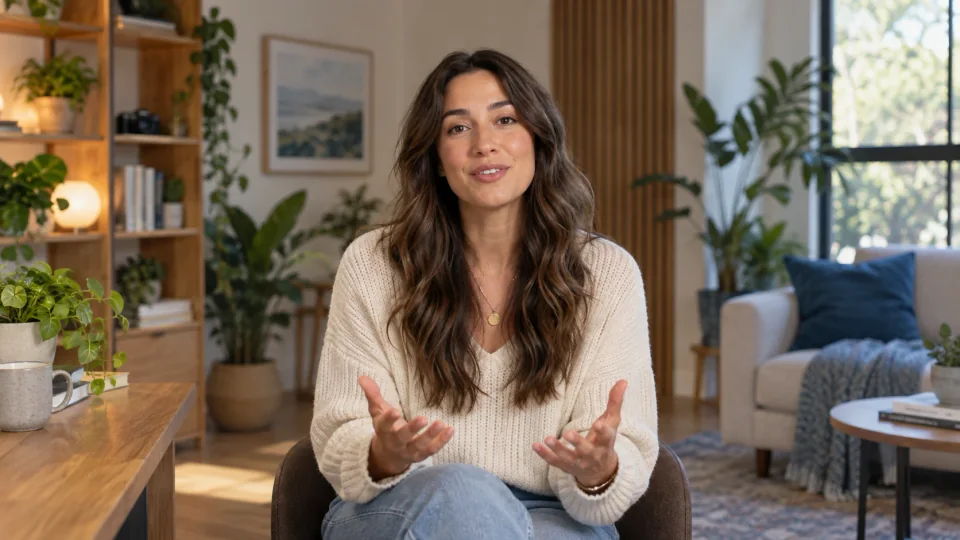
Keep a main subject in the vertical crop while preserving useful scene context where possible.

Create a 9:16 draft for feeds and mobile viewing, then review the crop before publishing.
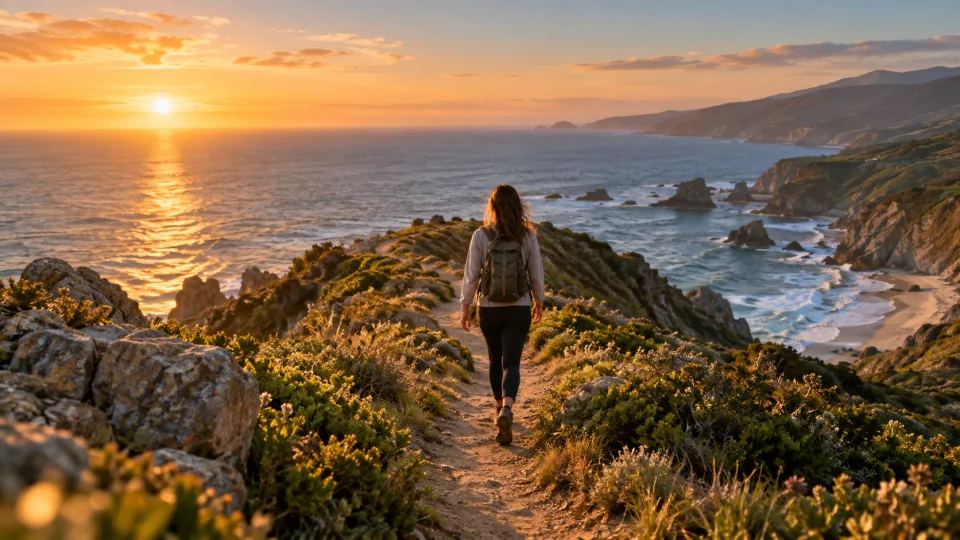
Compare the landscape original with the vertical result to see how subject placement and framing change.
Landscape input and the full vertical result, displayed without cropping.
12 credits per output minute. Minimum 3 credits per task.
Make a vertical videoFiles are checked after upload. Keep your original.
Use an MP4, MOV, MKV, AVI or FLV landscape video up to 20 GB and 4 hours. Supported input ratios are 16:9, 4:3 and 21:9.
It detects important subjects and uses a moving crop to create a fixed 9:16 vertical version. Parts of the landscape frame are cropped out; results depend on the scene and camera movement.
Only 9:16 output is available. Subtitle files and manual cropping are not supported. Check the result for content cropped out near the edges.
Check supported ratios, automatic cropping and output limits.