


Repair common photo damage
The AI attempts to reduce visible scratches, dust, small tears, fading, and mild blur. Results depend on the scan and damage.
Repair faded or scratched photos, or colorize black-and-white images. Download a restored PNG.
Up to 20 MB per image
File formats: JPG / PNG / WebP
Account-protected files, processed in the cloud. Originals: 24 hours · Results: 7 days
Give scanned prints with scratches, fading or mild blur a fresh viewing copy, while keeping the original photograph.
The AI attempts to reduce visible scratches, dust, small tears, fading, and mild blur. Results depend on the scan and damage.
Restore within a 2560 × 1440 boundary, reversed for portraits, while keeping the photo’s aspect ratio.
Upload a scanned photo, follow its task in My files, and download the result when it is ready.
Upload JPG, PNG, or WebP and receive a PNG result. Your uploaded original stays available separately.
Keep black-and-white photos monochrome or add color. Choose full or conservative repair to suit the damage.
Original images are kept for 24 hours and results for 7 days. View or delete them from My files.
Upload and compare your restored photo
Choose a JPG, PNG, or WebP image up to 20 MB.
Choose repair only or repair and colorize, select a repair strategy, then start.
Inspect the restored image beside the original, then download a PNG.
Try restoration on family prints, faded portraits, and scanned keepsakes.
Make a restored copy of a scratched or faded family print for a digital album or to share with relatives.
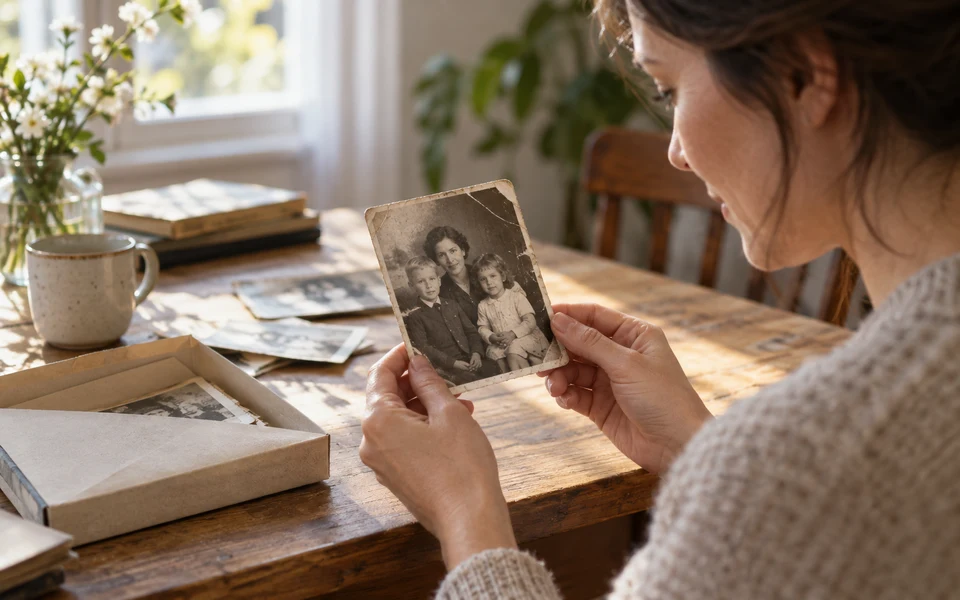
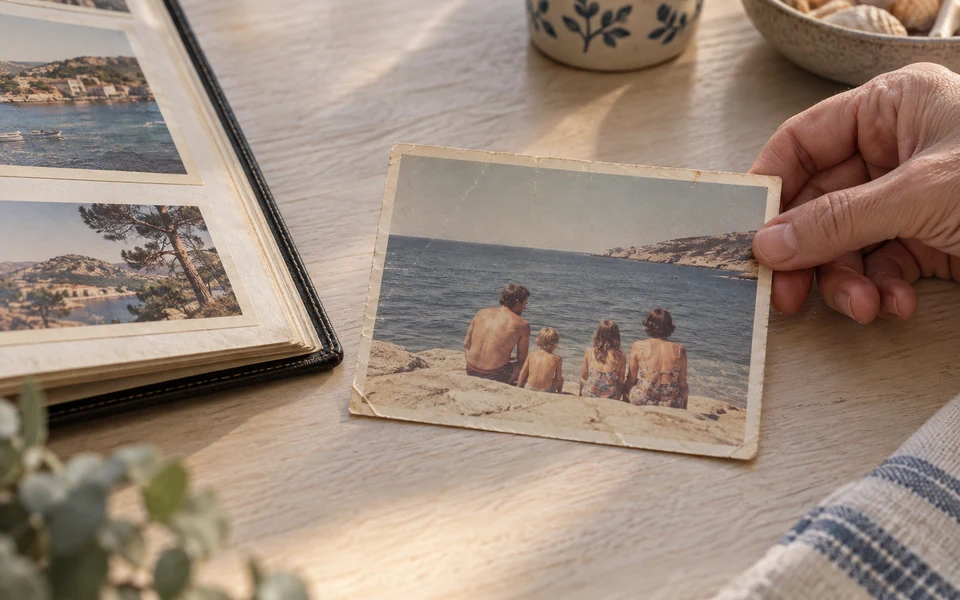
Bring faded colors and worn details back into view in vacation photos, then share the memory with the people who were there.
Try conservative repair on a treasured portrait to address clear damage while retaining its original photographic character.
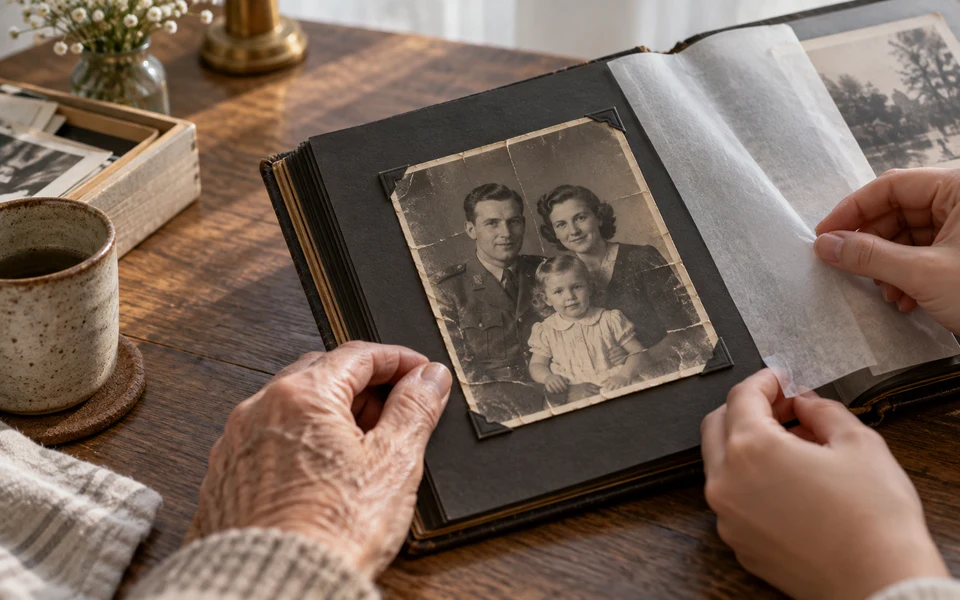
Drag the slider to compare scratches, fading, and restored detail in this illustrative example. Results vary with the original photo.


20 credits per image using the 2K output preset. All restoration options are included.
Restore a photoFiles are checked after upload. Keep your original.
Upload a static JPG, PNG or WebP up to 20 MB. The long edge must be at most 2560 pixels and the short edge at most 1440 pixels, with an aspect ratio between 1:3 and 3:1. Resize larger scans before uploading; this tool uses a fixed 2K output and does not reduce the source dimensions.
Download a new opaque PNG. The original aspect ratio is preserved, and the result cannot be smaller than the input. Transparency is not preserved.
Restoration is generative and cannot guarantee historical accuracy. Faces, handwriting, text, and fine details may change. Compare the result carefully and retain the source.
Learn about repair options, colorization, image limits and downloads.