



More pixels, finer detail
Upscale animation dimensions and enhance detail. Results depend on your original GIF.
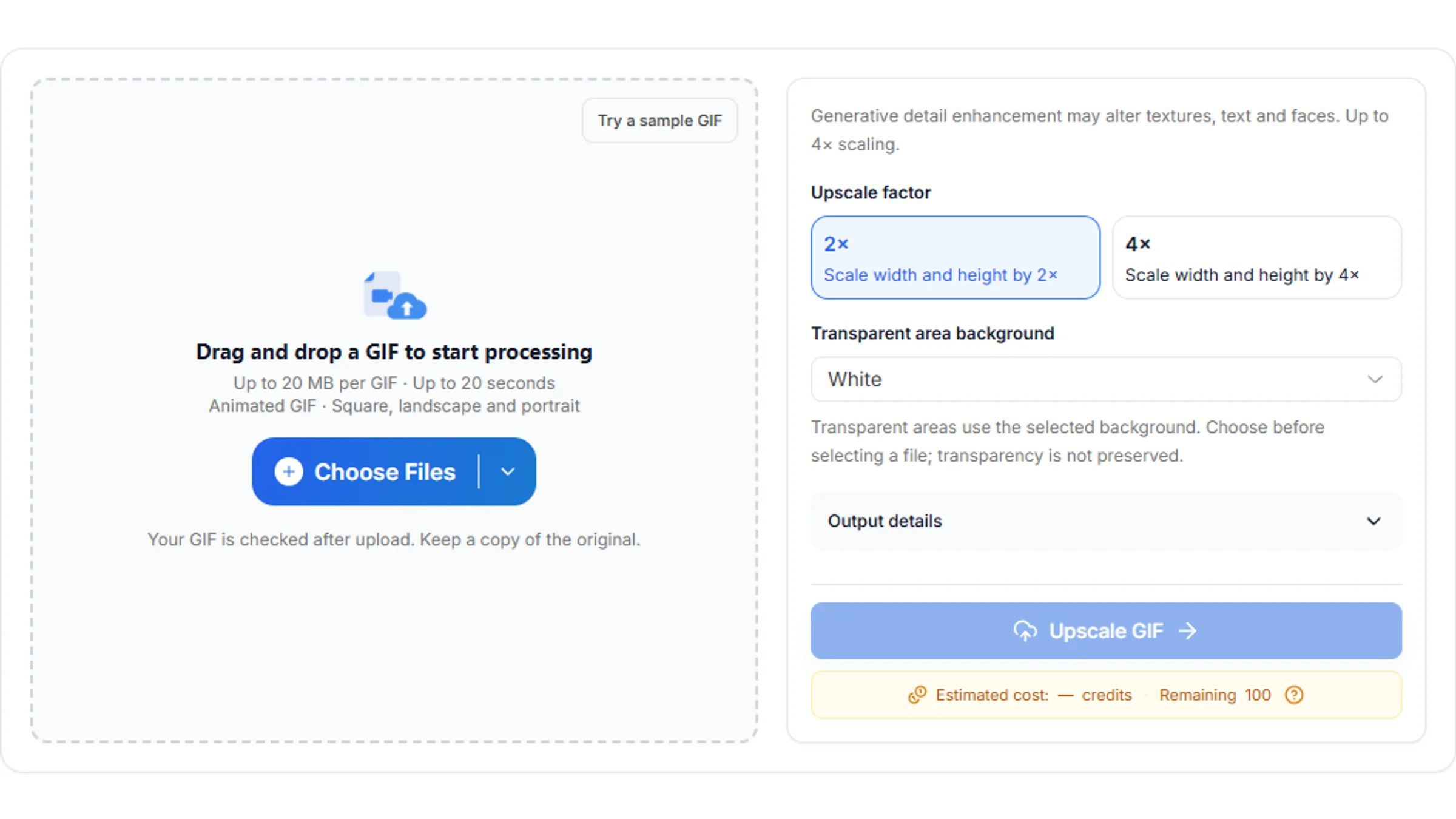
Upscale GIFs and enhance detail with AI. See your exact quote before processing, with no watermark.
Up to 20 MB per file · Up to 20 seconds
File format: Animated GIF · Square, landscape and portrait
Everyday upscaling with a natural look.
Private uploads. Only your account can access your files.Read file information locally; conversion, enhancement and export run in the cloud after you start.
Give your favorite animations more room for detail, with a clear quote before you start.
Upscale animation dimensions and enhance detail. Results depend on your original GIF.
Keep the original proportions and review exact dimensions. Pixel and frame limits apply.
After upload and submission, enhancement and GIF export continue in the cloud.
Download both an animated GIF and H.264 MP4, without audio.
Accept a fixed credit quote. You won't be charged extra when the task finishes.
Authenticated access, limited retention, and a delete control for your files.
Choose a GIF, review the factor and quote, and download your enhanced animation.
Reactions, animation and product moments, ready to share again.
Make a favorite reaction easier to see. Upscale small GIFs for messages, community posts and everyday conversations.

Prepare your own animation loops for your next project. Review the result before choosing GIF or MP4 for sharing.
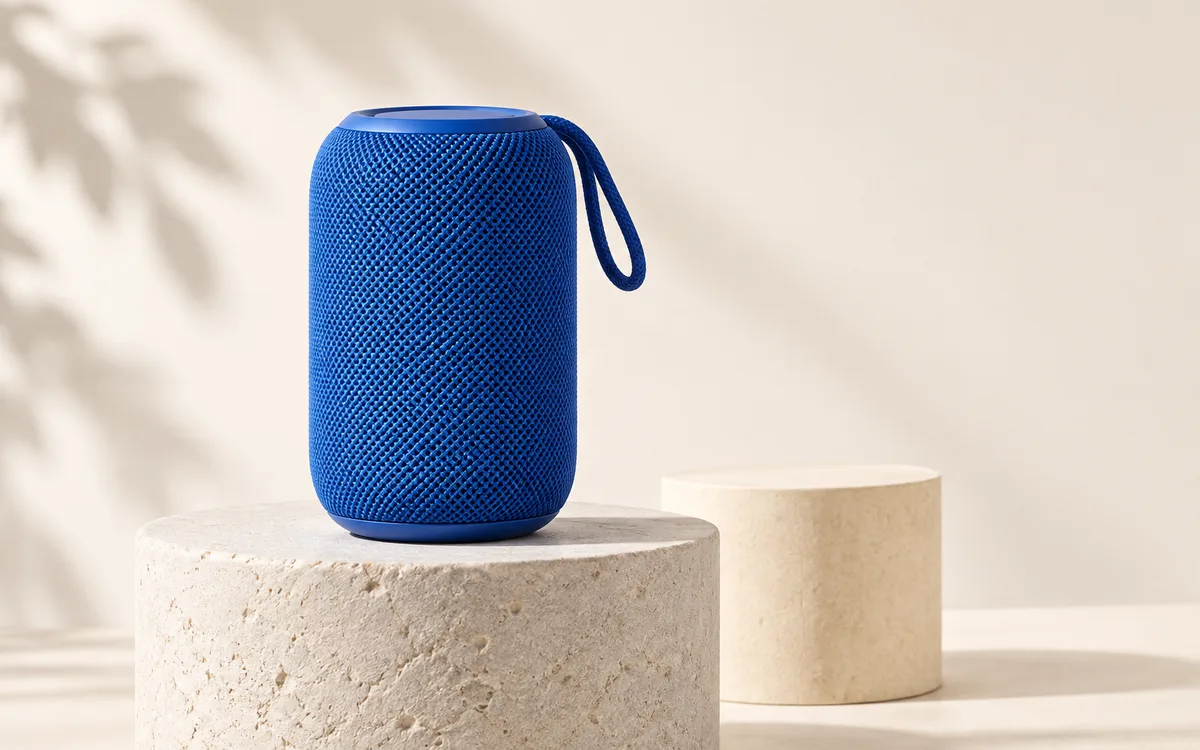
Enlarge short product animations for presentations and social posts. Review text, logos and textures carefully after enhancement.
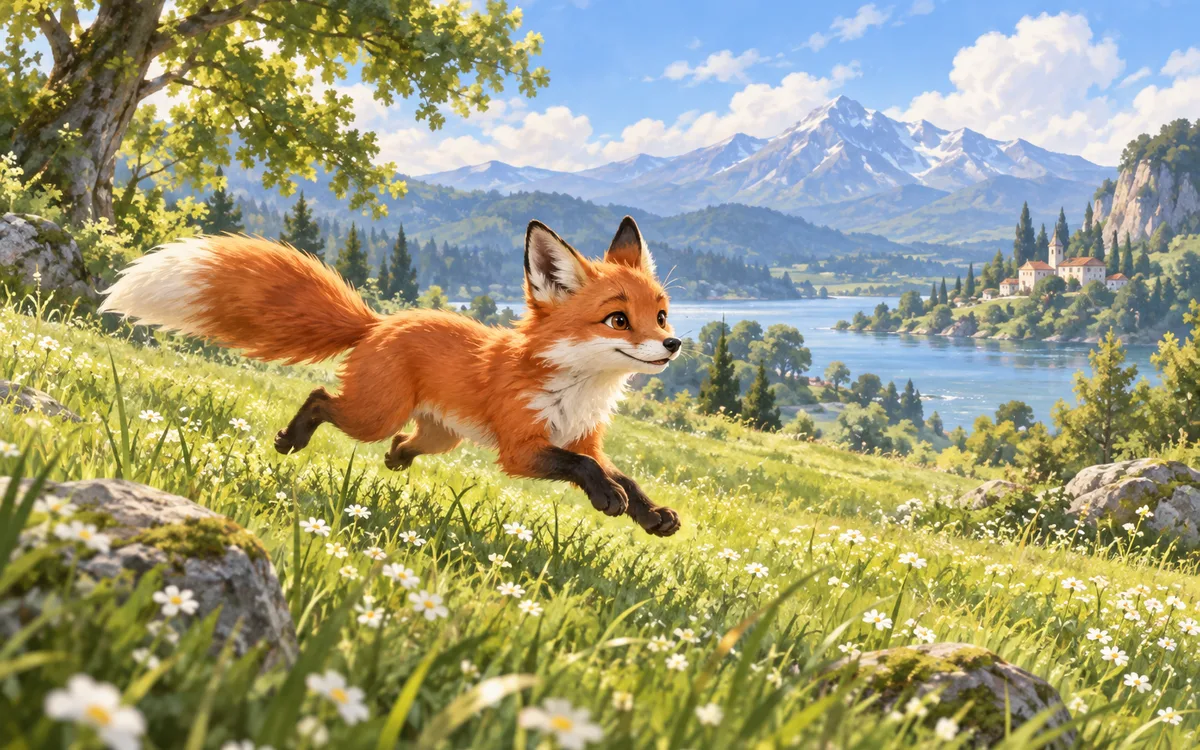
Drag the divider to compare both sides. Press play to explore the details in motion.
A closer look at fur and playful expressions
Illustrative preview: these loops use generated artwork at lower and higher quality. They are not measured AI enhancement results.
Choose a GIF, check the exact dimensions and quote, and give your animation more room to shine.
Upscale your GIFLearn about GIF processing, limits and result retention.