
AI 미디어 도구 가이드
Artplayer AI의 도구별 영어 실용 가이드에서 입력 파일, 설정, 제한 및 결과 확인 방법을 알아보세요.
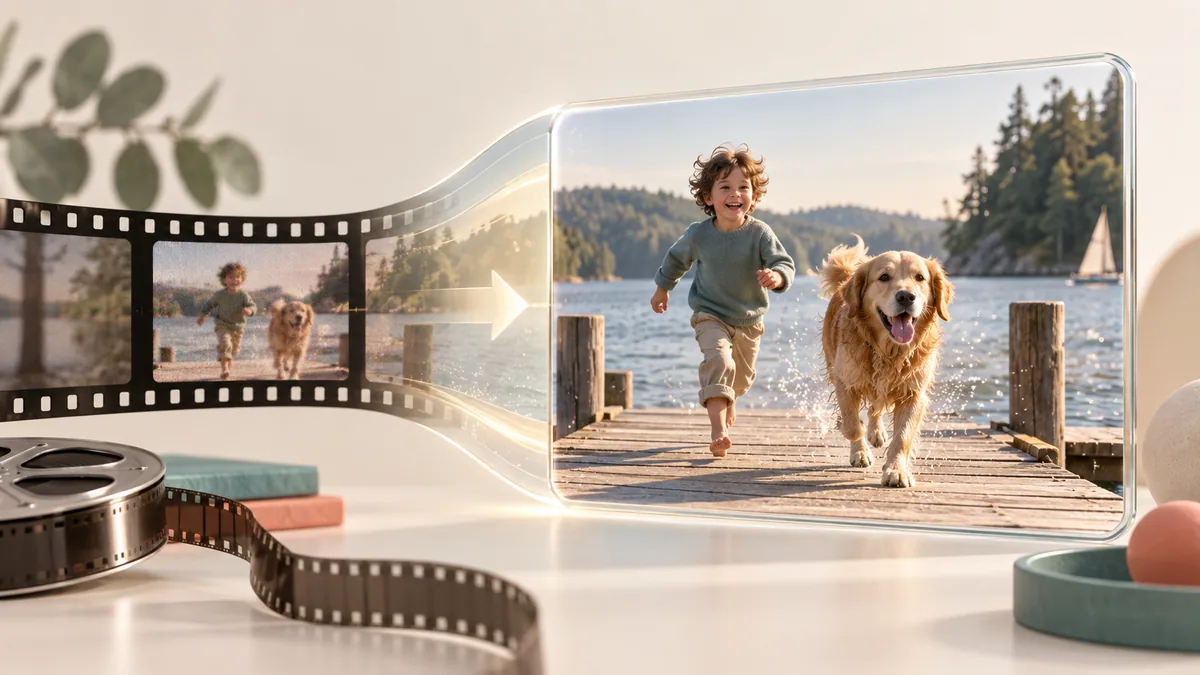
How to Upscale a Video for a Larger Picture
Choose a suitable source, compare enhancement modes, and review the finished video in motion.
가이드 읽기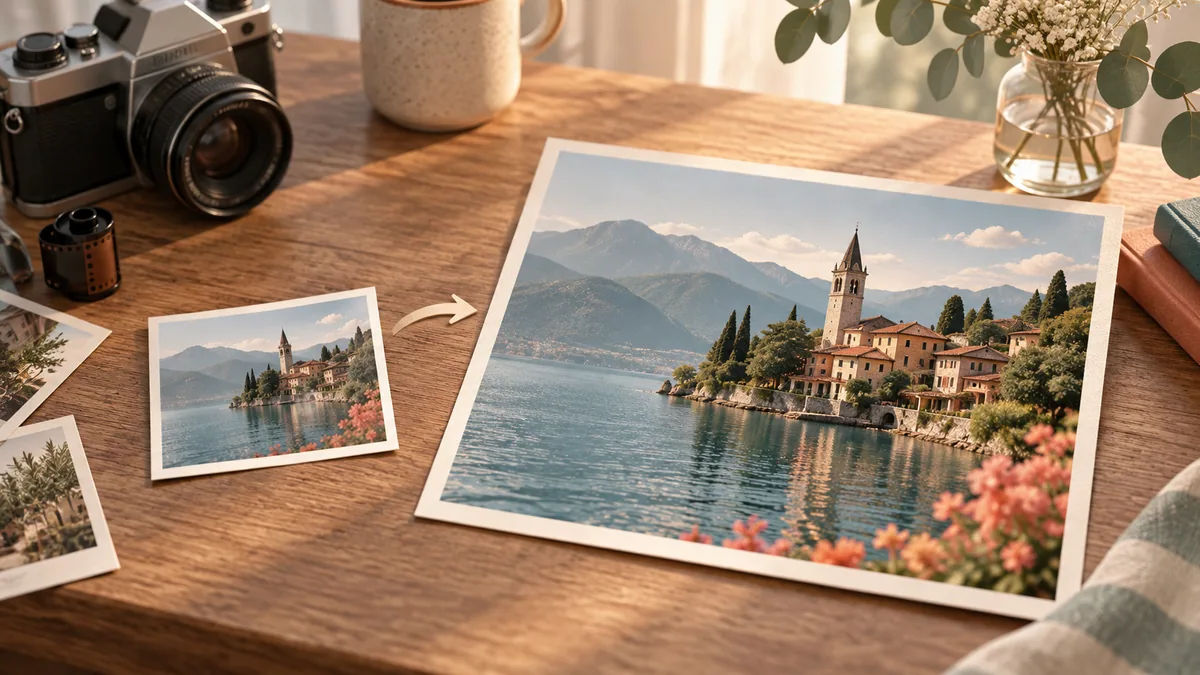
How to Upscale an Image for a Larger Canvas
Prepare a supported image, choose an output size that fits your layout, and inspect the PNG before using it.
가이드 읽기
How to Restore Old Photos and Keep Their Character
Prepare a scanned photo, choose repair or colorization, and compare the restored PNG with your original.
가이드 읽기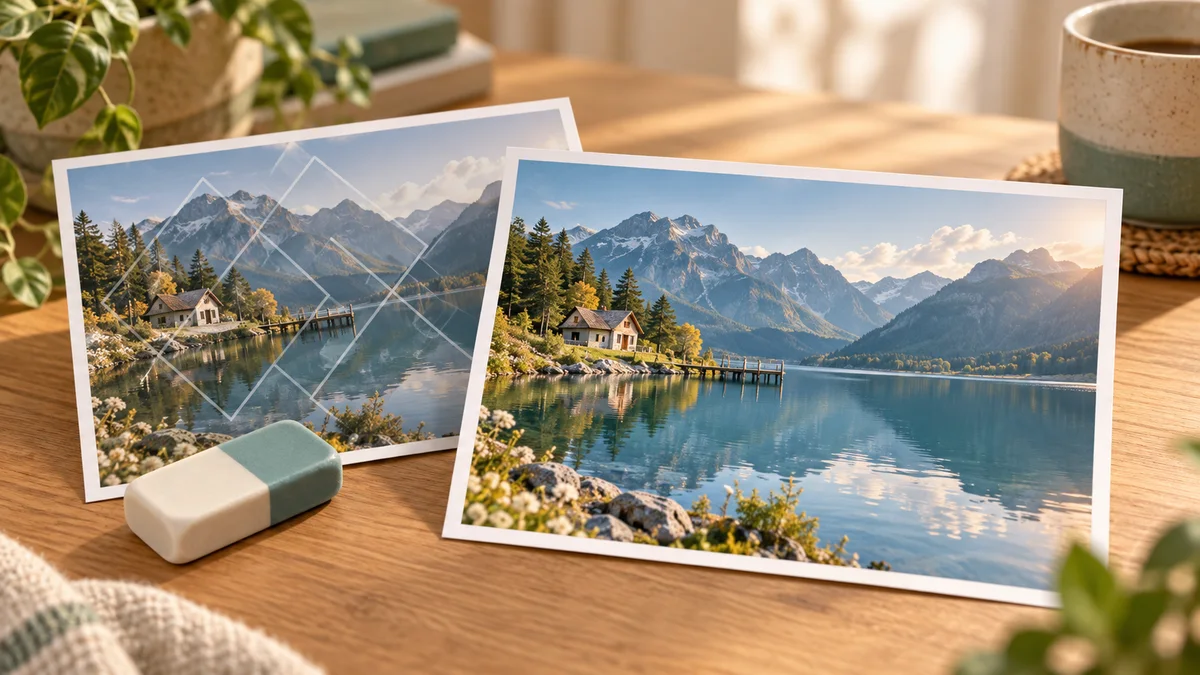
How to Remove a Watermark from Your Own Image
Choose a watermark type and detection strategy, understand the repair limits, and inspect the finished PNG.
가이드 읽기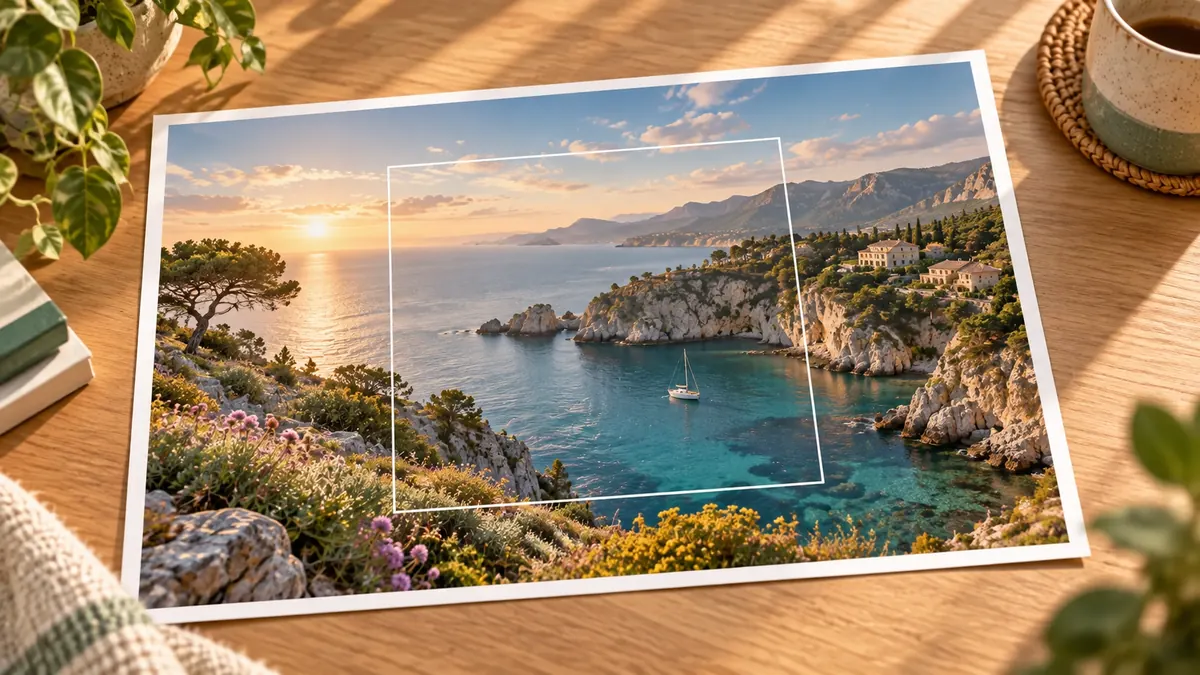
How to Expand an Image with AI for a Wider Canvas
Add room around your subject, choose which edges to extend, and inspect the generated scene before downloading a PNG.
가이드 읽기
How to Upscale an Animated GIF
Choose an enhancement mode and scale, understand conversion limits, and review both GIF and MP4 downloads.
가이드 읽기
How to Compress a Video and Estimate File Size
Choose H.264 or H.265 and a compression preset, then compare the actual output with the estimate.
가이드 읽기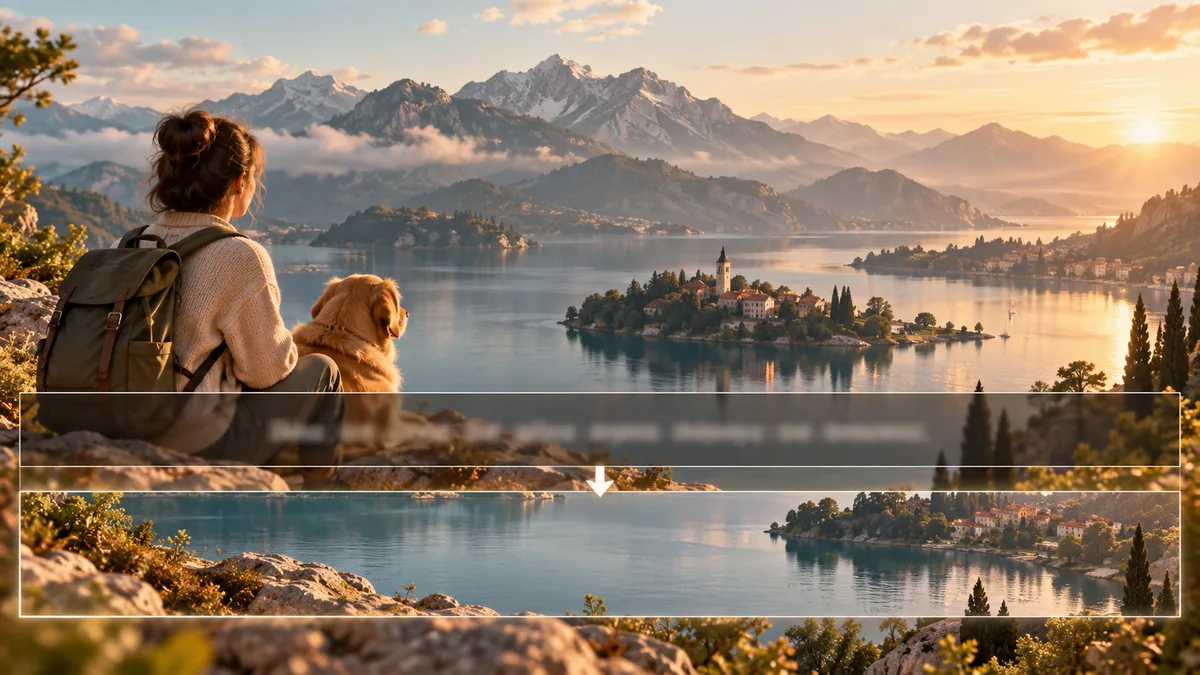
How to Remove Hardcoded Subtitles from a Video
Use automatic detection or a selected region, then inspect the repaired area throughout the clip.
가이드 읽기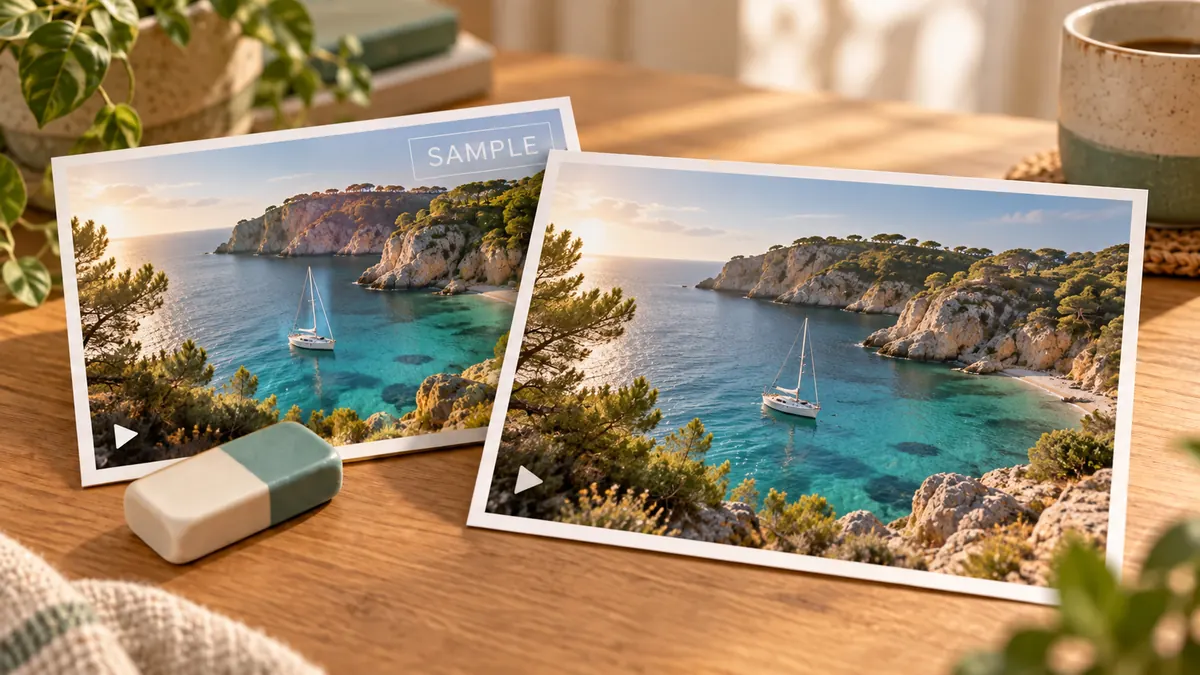
How to Remove Fixed Text Watermarks from Video
Mark up to four fixed text areas, understand the full-clip processing limits, and review the cleaned MP4 in motion.
가이드 읽기
How to Blur Faces in a Video
Learn what automatic face blurring can do, which inputs fit, and why every result needs manual review.
가이드 읽기
Increase Video Frame Rate with Interpolation
Choose a target above the source rate, understand what interpolation changes, and review fast movement carefully.
가이드 읽기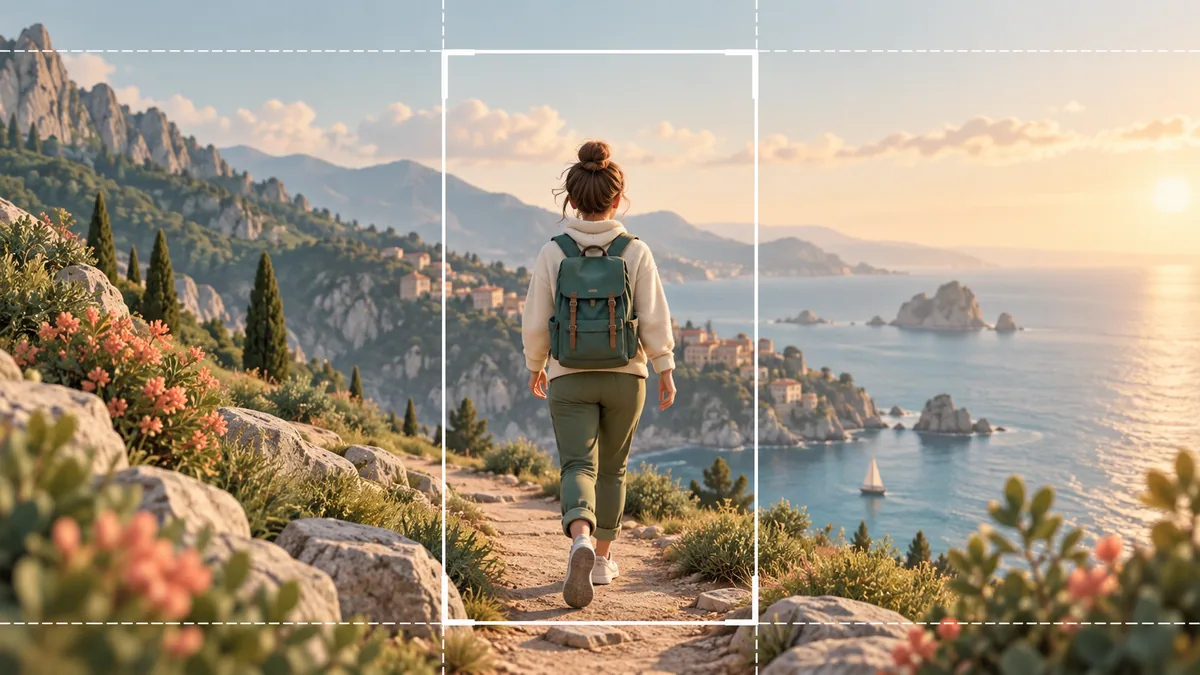
Reframe Landscape Video for Vertical Viewing
Prepare a supported landscape source, follow the 9:16 crop, and check that important subjects stay in frame.
가이드 읽기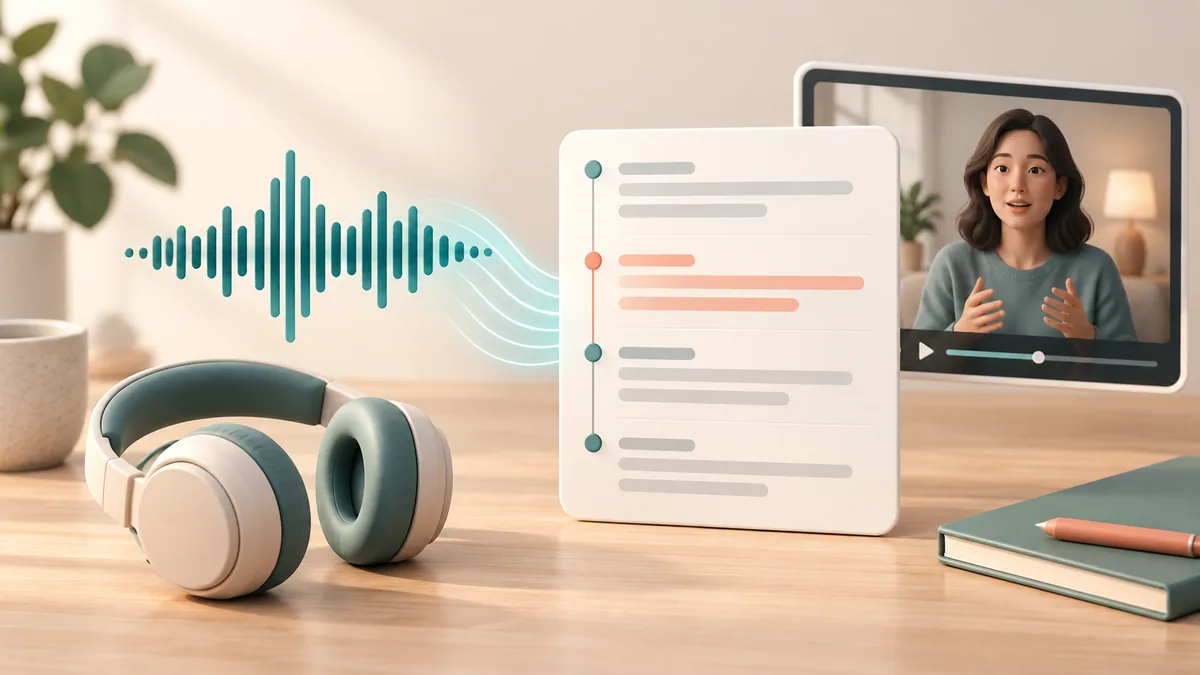
How to Transcribe Audio or Video into Subtitles
Prepare supported media, choose a recognition language, and review the timestamped transcript before downloading SRT.
가이드 읽기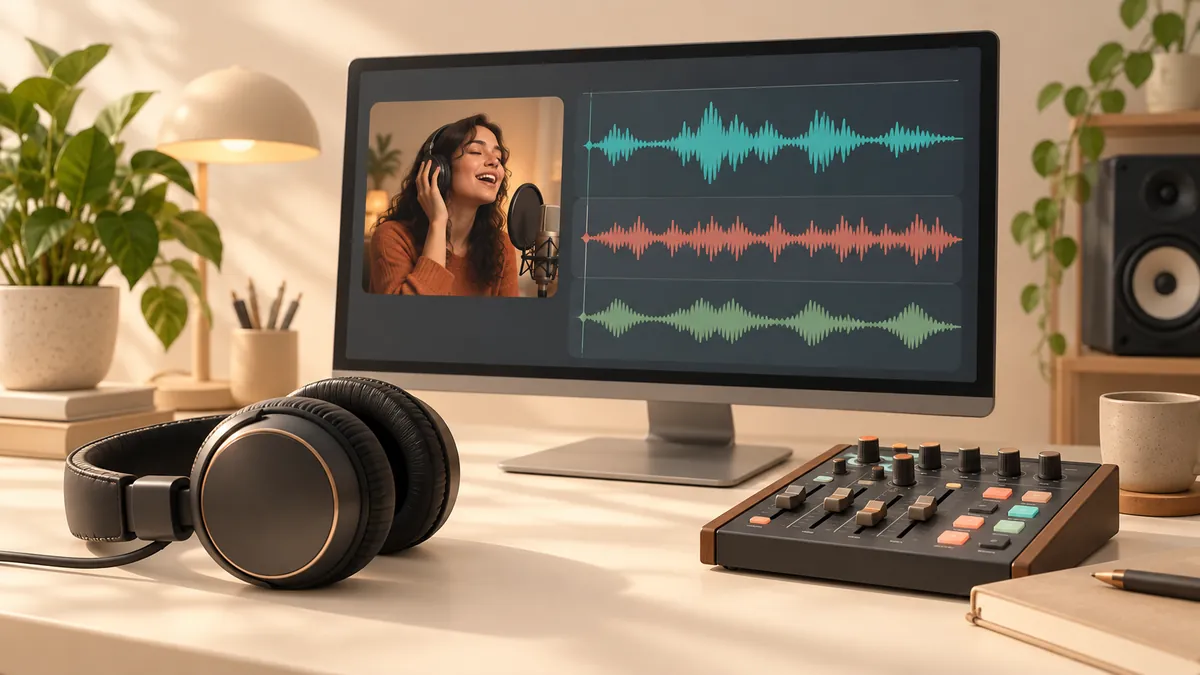
How to Separate Vocals and Background Audio
Choose a suitable source and separation scene, then review each MP3 or WAV track before using it.
가이드 읽기