
How to Remove Hardcoded Subtitles from a Video
Use automatic detection or a selected region, then inspect the repaired area throughout the clip.
Artplayer AI읽는 시간 4분
이 페이지의 내용
시작하기 전에
Hardcoded subtitles are part of the picture, so removing them means reconstructing what they cover. Results depend on lettering, background, motion, and region. Review the full clip before using it in a new edit or translation.
Choose a suitable source
Use the cleanest original available. Compression, large captions, movement, and detailed backgrounds can make reconstruction harder.
Input dimensions are limited to a 1440-pixel short edge and 2560-pixel long edge. MediaKit lists no fixed file-size or duration limit for this capability; the app still validates uploads.
Select the area to repair
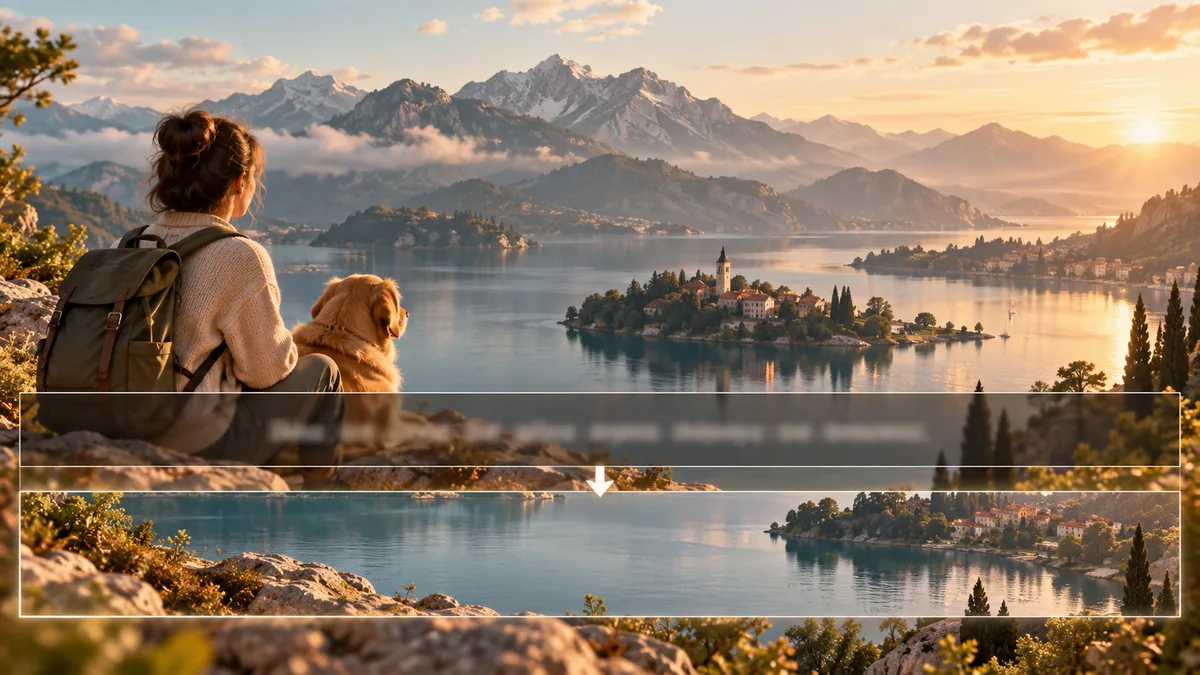
The standard workflow detects subtitles automatically. The precise workflow lets you position one rectangle over an area of the video. Keep it close to unwanted text without including useful details.
The current rectangle applies to the full clip. The page does not offer time-based regions or subtitle-feature filters, and the selected box does not shorten processing duration.
Set expectations for reconstruction
The current app offers standard and precise versions, plus a region selector for the precise workflow. The version and region are saved with the task.
Removal cannot verify the original background. It may soften texture or alter details hidden by text. Do not treat reconstructed areas as evidence of what was behind a caption.
Watch the repaired area over time
Inspect the beginning, middle, and end, especially where backgrounds move or change. Check for leftover text, softened detail, flicker, and shifting edges.
Play the result at normal speed and compare it with the source. Try a supported version or adjust the selection if the repair distracts from the scene.
- Keep the rectangle close to the text and its outline or shadow.
- Check scenes where the background behind the text changes.
- Review the full output before adding replacement captions.