Prepare an older video before enhancement
Introduction
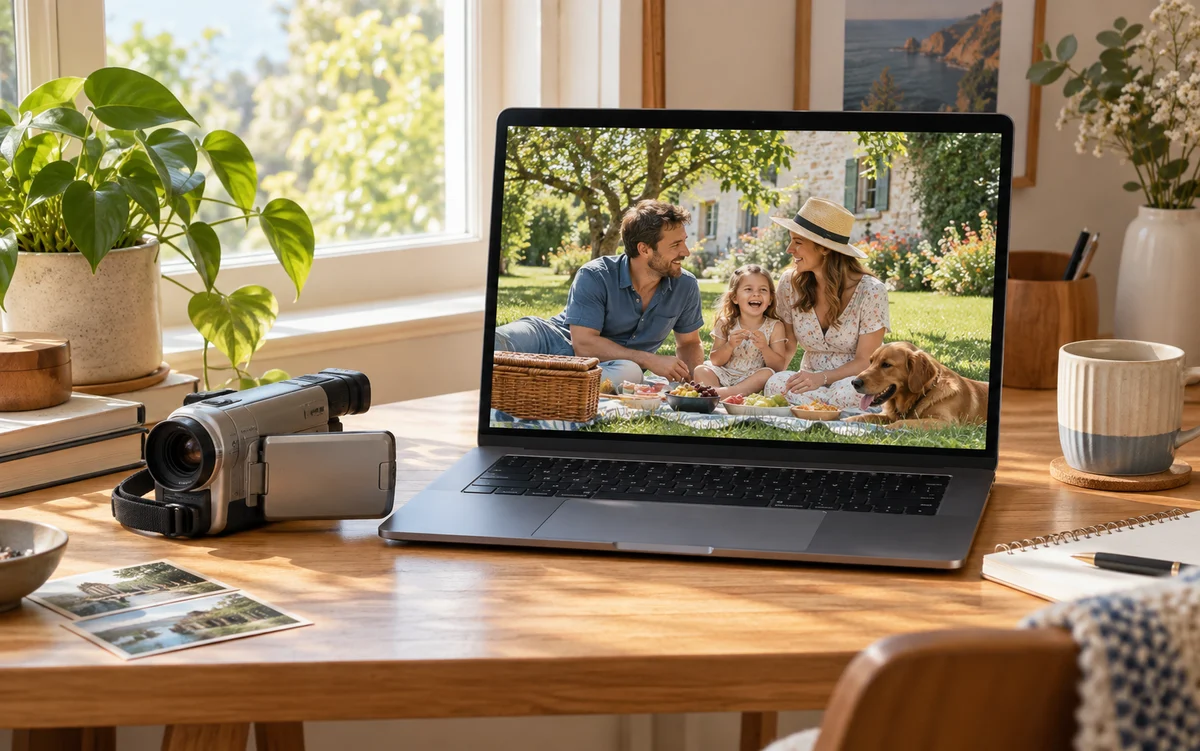
Preview editorial example: copy and imagery will be reviewed before launch.
Keep the original, select a short segment, and set realistic expectations.
Review your source
Older footage may contain strong compression artifacts or missing detail. Save an untouched original first. An AI output is a new version, not evidence of the original scene’s fine detail.
Prepare a supported clip
The preview accepts MP4 / MOV with H.264, 8-bit SDR, and AAC or no audio. Use 16:9 or 9:16 clips up to 60 seconds, 200 MB, and 30 fps. Input edges must not exceed 1920 by 1080.
Choose an output and review the quote
After upload validation, choose 1080p or 4K larger than the source. Review the dimensions and credit quote. AI processing starts only when you confirm; uploading and previewing alone do not consume processing credits.
Compare and save the result
Once complete, switch between the original and output to review still detail and movement. Download the MP4 promptly: originals remain accessible for 24 hours and results for 7 days. This is not long-term video storage.