
How to Blur Faces in a Video
Learn what automatic face blurring can do, which inputs fit, and why every result needs manual review.
Artplayer AILettura di 4 min
In questa pagina
Prima di iniziare
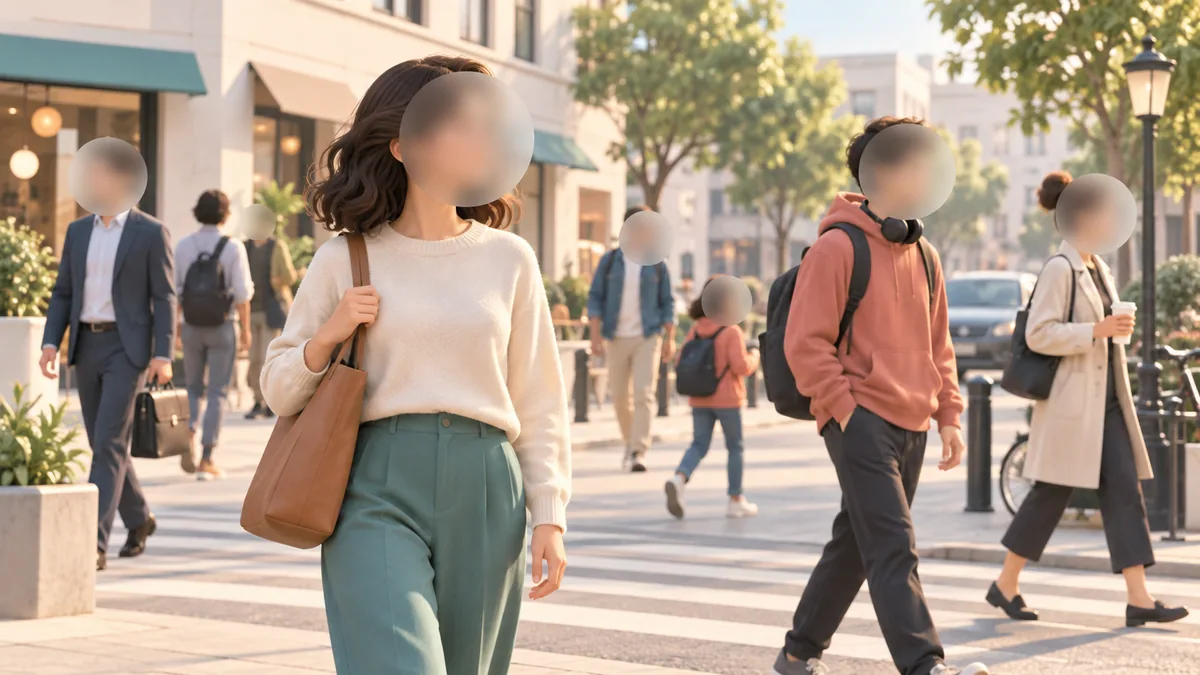
Face blurring can reduce the visibility of detected faces, but it cannot guarantee anonymity. Detection may miss faces or cover objects that resemble faces. Treat the output as an editing aid and review it before publishing sensitive footage.
Prepare a compatible video
Inputs support common video formats, up to 4K, with 1080p recommended. Clips must be no longer than 10 minutes and run at 23.97–60 fps. MediaKit lists no fixed file-size limit.
Choose footage where faces are visible at a useful size. The app validates the actual file; a familiar extension alone does not confirm compatibility.
Choose the masking treatment
The service supports mosaic or Gaussian blur and low, medium, or high strength. Choose the treatment that suits your edit, then inspect the output rather than assuming the setting covers every frame.
Motion blur, side profiles, occlusion, lighting, distance, and fast camera movement can affect detection. A strong mask cannot protect a face that was not detected.
Do not treat blur as identity protection
The tool masks faces it detects. It does not guarantee complete detection and does not provide an interface to select one person while leaving others unchanged.
Consider voices, badges, clothing, locations, and reflections too. If disclosure could harm someone, combine careful review with additional editing.
Review the full clip before sharing
Watch at normal speed and scan difficult moments frame by frame. Check faces entering or leaving, turns, partial occlusions, crowds, and shot transitions.
Inspect the downloaded result in the final publishing workflow. Add manual masking or avoid publishing if a person remains identifiable.
- Check every shot, not only the clearest face.
- Look for missed faces and false detections over scene details.
- Review audio and context alongside the picture.
Vuoi provare lo strumento?
Scegli il file, controlla le impostazioni disponibili e il preventivo in crediti, poi avvia quando sei pronto.
Blur faces