
Hướng dẫn công cụ AI xử lý nội dung
Mỗi công cụ Artplayer AI có một hướng dẫn thực hành bằng tiếng Anh về đầu vào, cài đặt, giới hạn và kiểm tra kết quả.

How to Upscale a Video for a Larger Picture
Choose a suitable source, compare enhancement modes, and review the finished video in motion.
Đọc hướng dẫn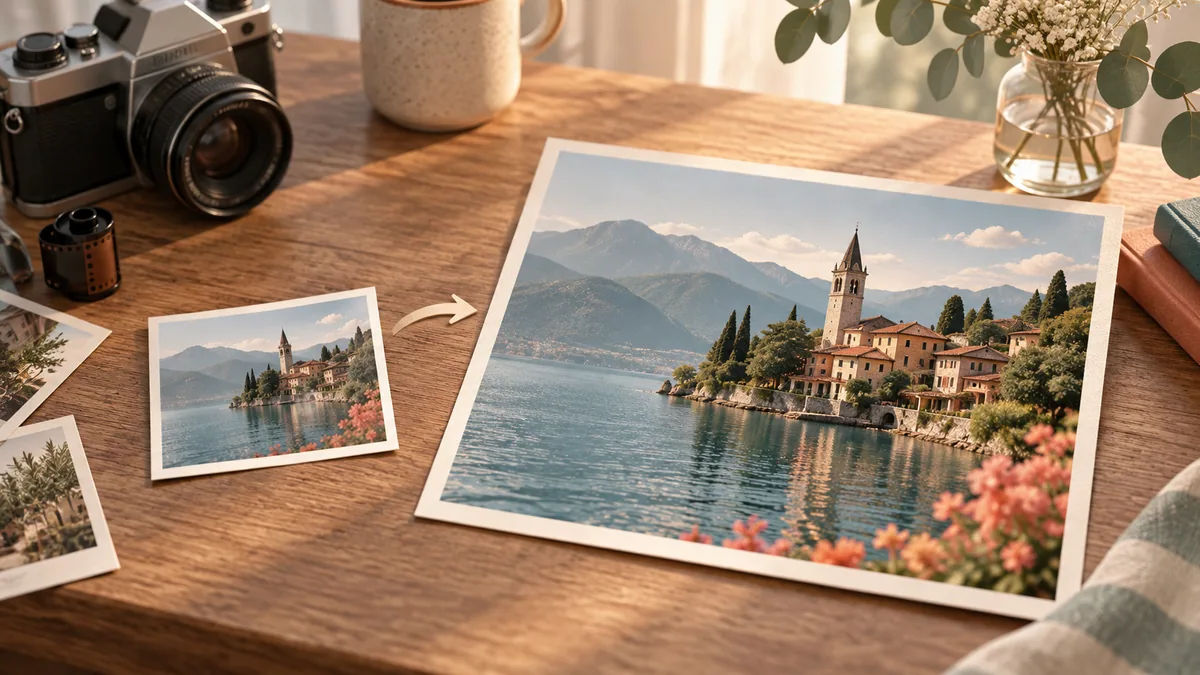
How to Upscale an Image for a Larger Canvas
Prepare a supported image, choose an output size that fits your layout, and inspect the PNG before using it.
Đọc hướng dẫn
How to Restore Old Photos and Keep Their Character
Prepare a scanned photo, choose repair or colorization, and compare the restored PNG with your original.
Đọc hướng dẫn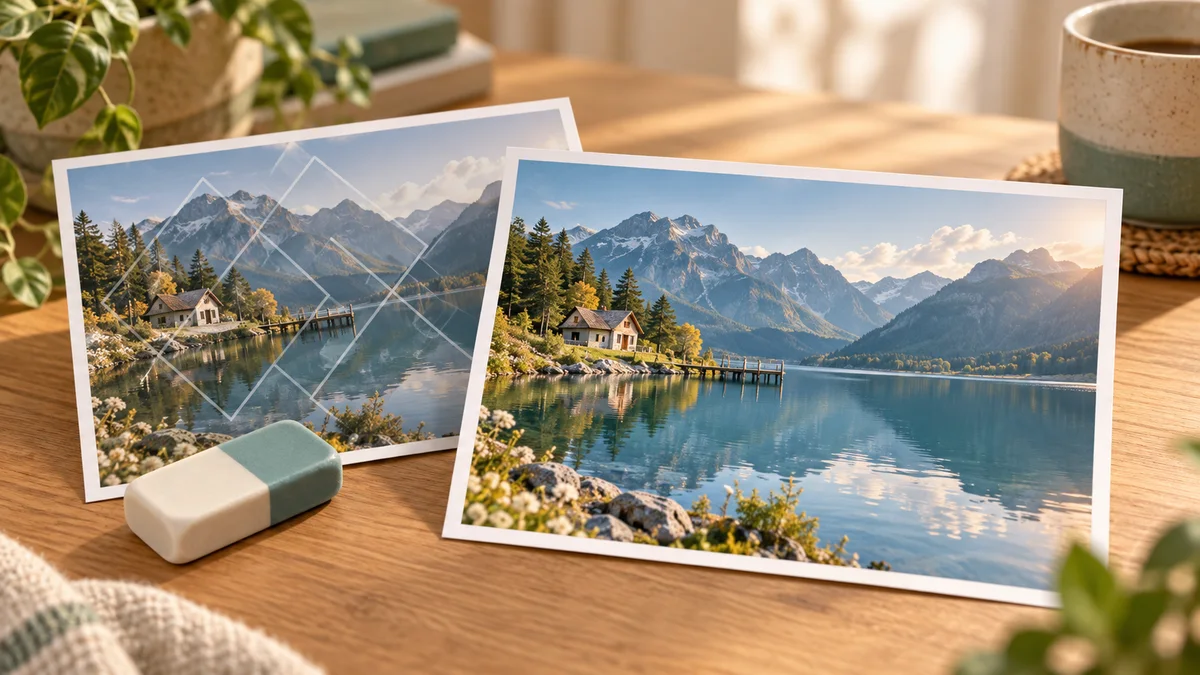
How to Remove a Watermark from Your Own Image
Choose a watermark type and detection strategy, understand the repair limits, and inspect the finished PNG.
Đọc hướng dẫn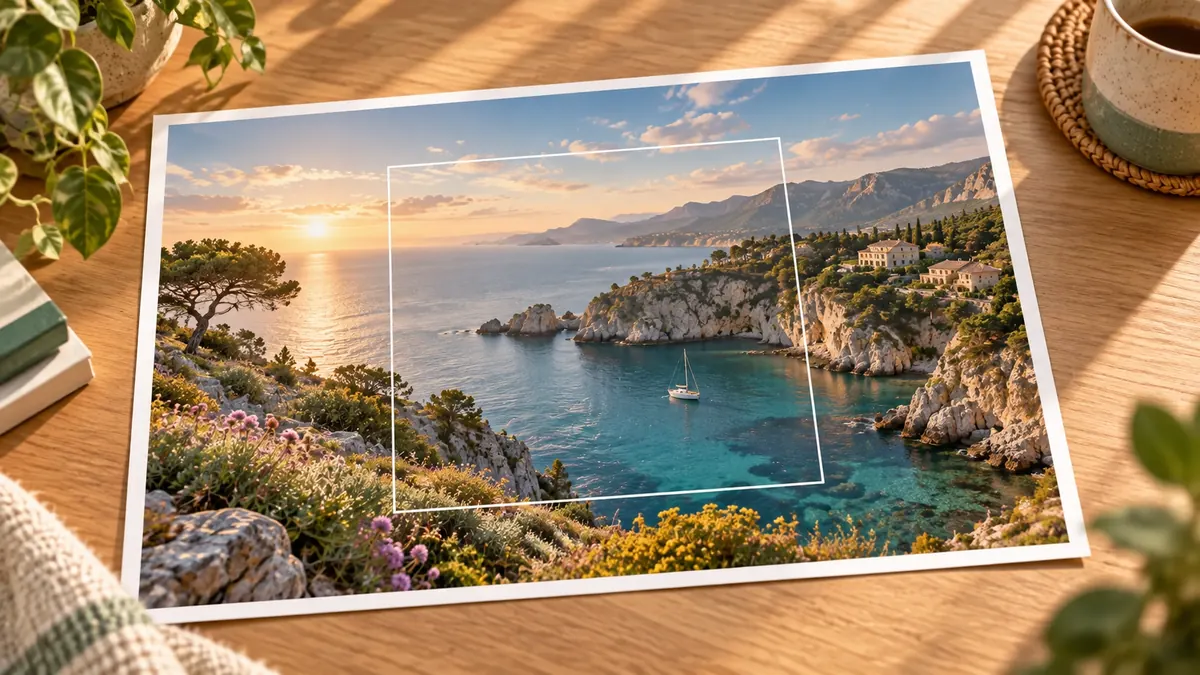
How to Expand an Image with AI for a Wider Canvas
Add room around your subject, choose which edges to extend, and inspect the generated scene before downloading a PNG.
Đọc hướng dẫn
How to Upscale an Animated GIF
Choose an enhancement mode and scale, understand conversion limits, and review both GIF and MP4 downloads.
Đọc hướng dẫn
How to Compress a Video and Estimate File Size
Choose H.264 or H.265 and a compression preset, then compare the actual output with the estimate.
Đọc hướng dẫn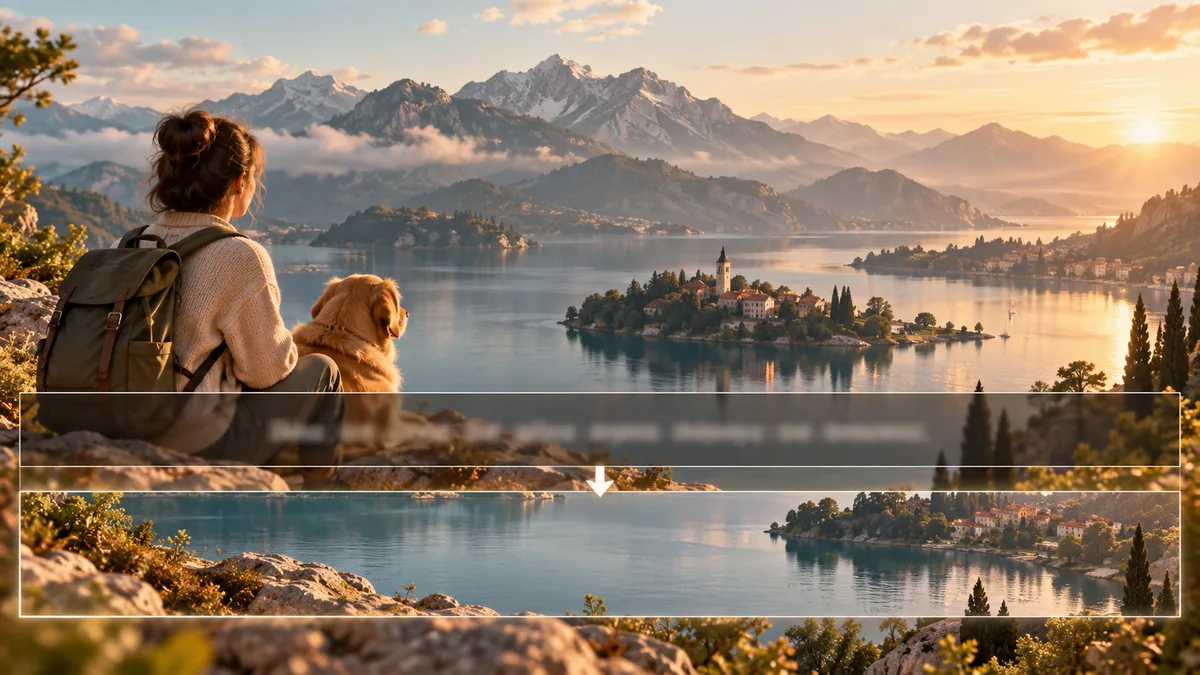
How to Remove Hardcoded Subtitles from a Video
Use automatic detection or a selected region, then inspect the repaired area throughout the clip.
Đọc hướng dẫn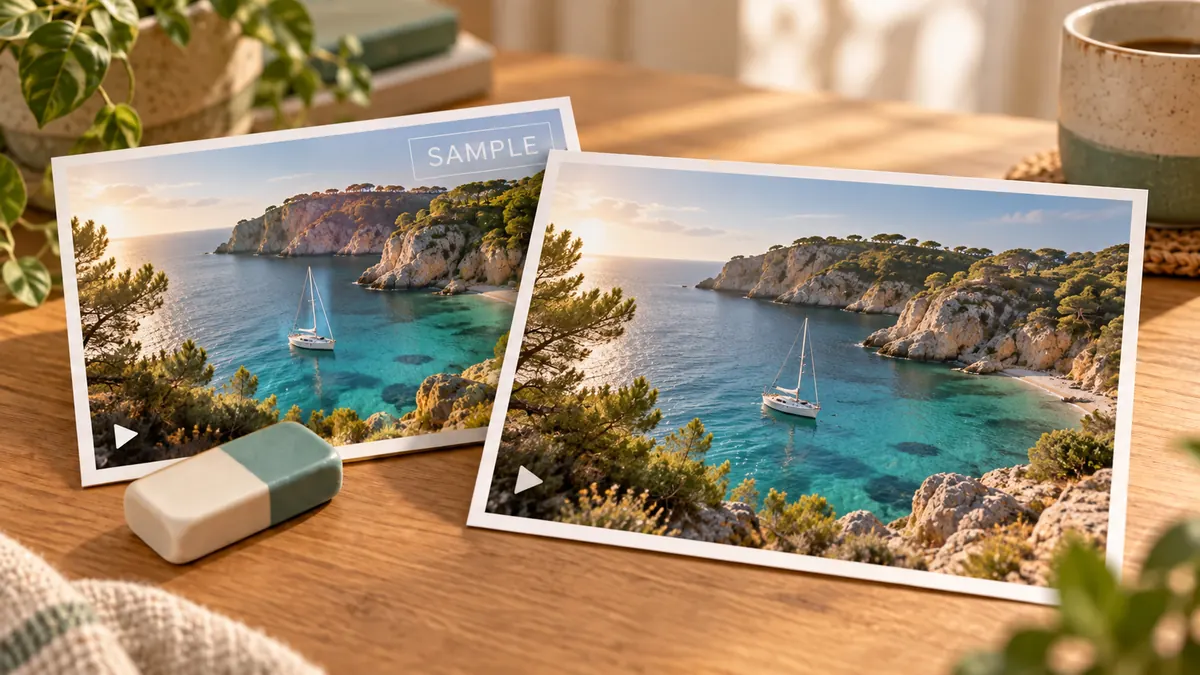
How to Remove Fixed Text Watermarks from Video
Mark up to four fixed text areas, understand the full-clip processing limits, and review the cleaned MP4 in motion.
Đọc hướng dẫn
How to Blur Faces in a Video
Learn what automatic face blurring can do, which inputs fit, and why every result needs manual review.
Đọc hướng dẫn
Increase Video Frame Rate with Interpolation
Choose a target above the source rate, understand what interpolation changes, and review fast movement carefully.
Đọc hướng dẫn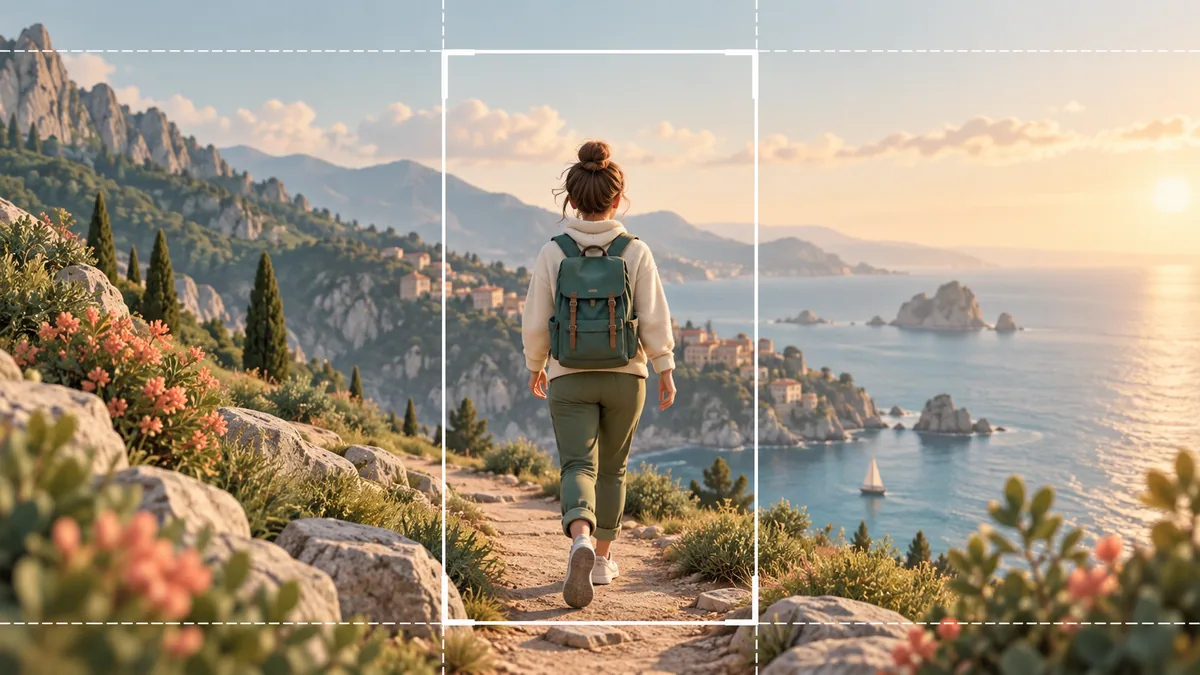
Reframe Landscape Video for Vertical Viewing
Prepare a supported landscape source, follow the 9:16 crop, and check that important subjects stay in frame.
Đọc hướng dẫn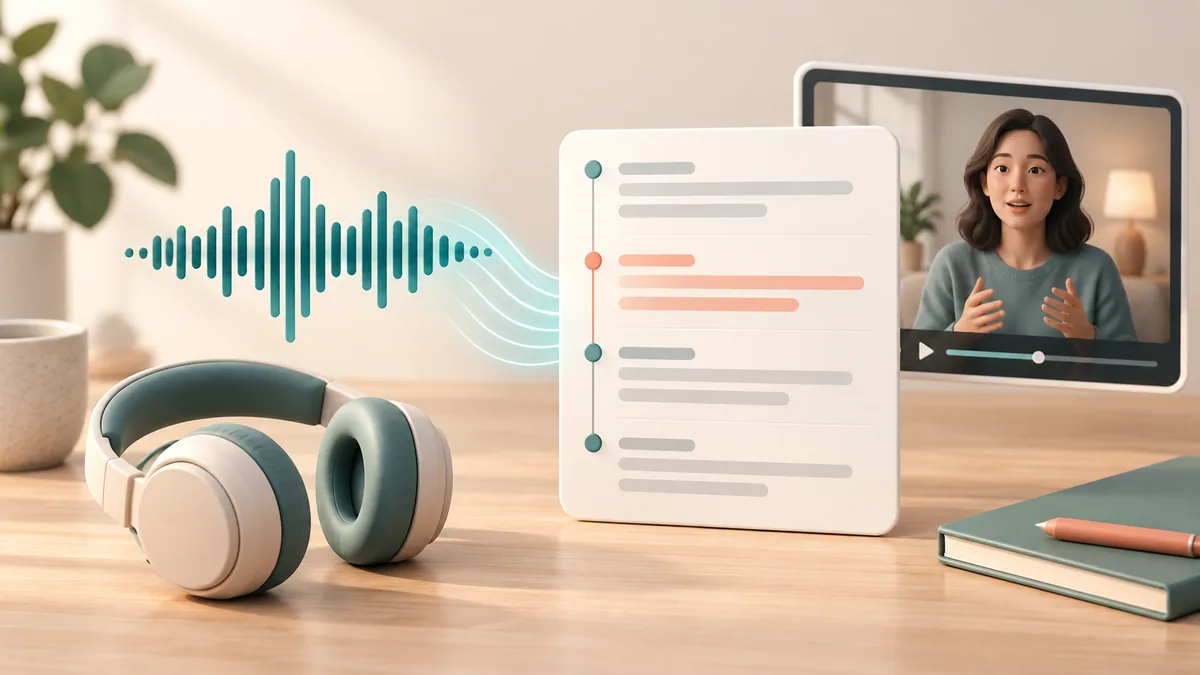
How to Transcribe Audio or Video into Subtitles
Prepare supported media, choose a recognition language, and review the timestamped transcript before downloading SRT.
Đọc hướng dẫn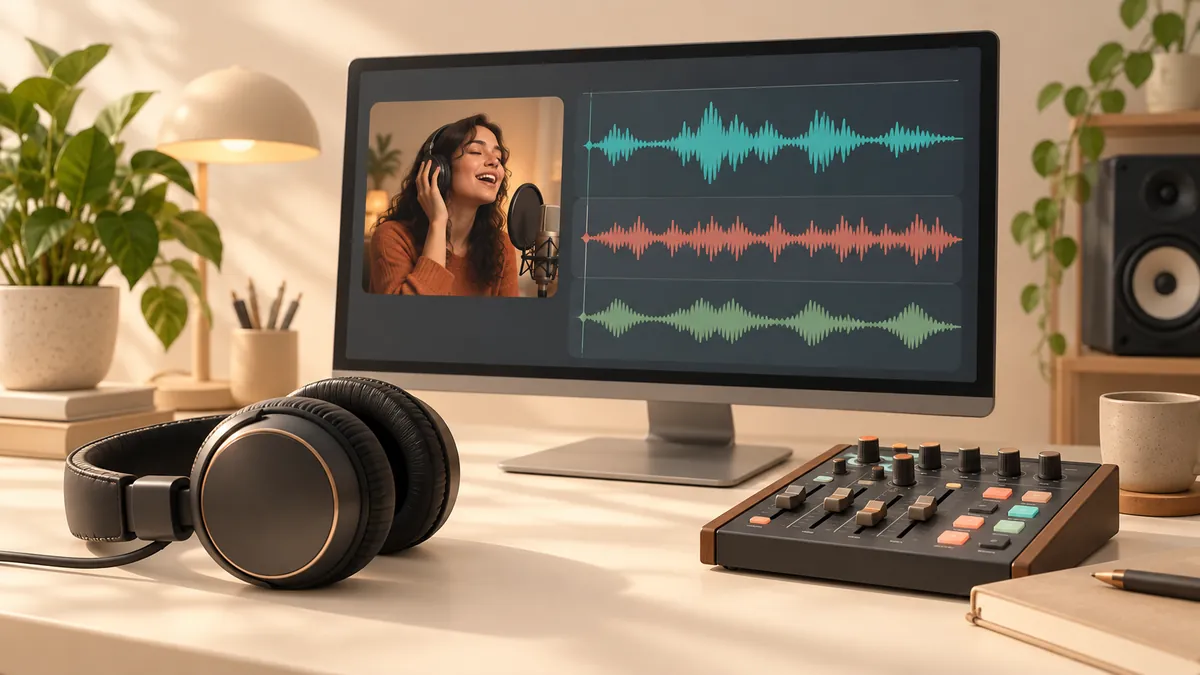
How to Separate Vocals and Background Audio
Choose a suitable source and separation scene, then review each MP3 or WAV track before using it.
Đọc hướng dẫn